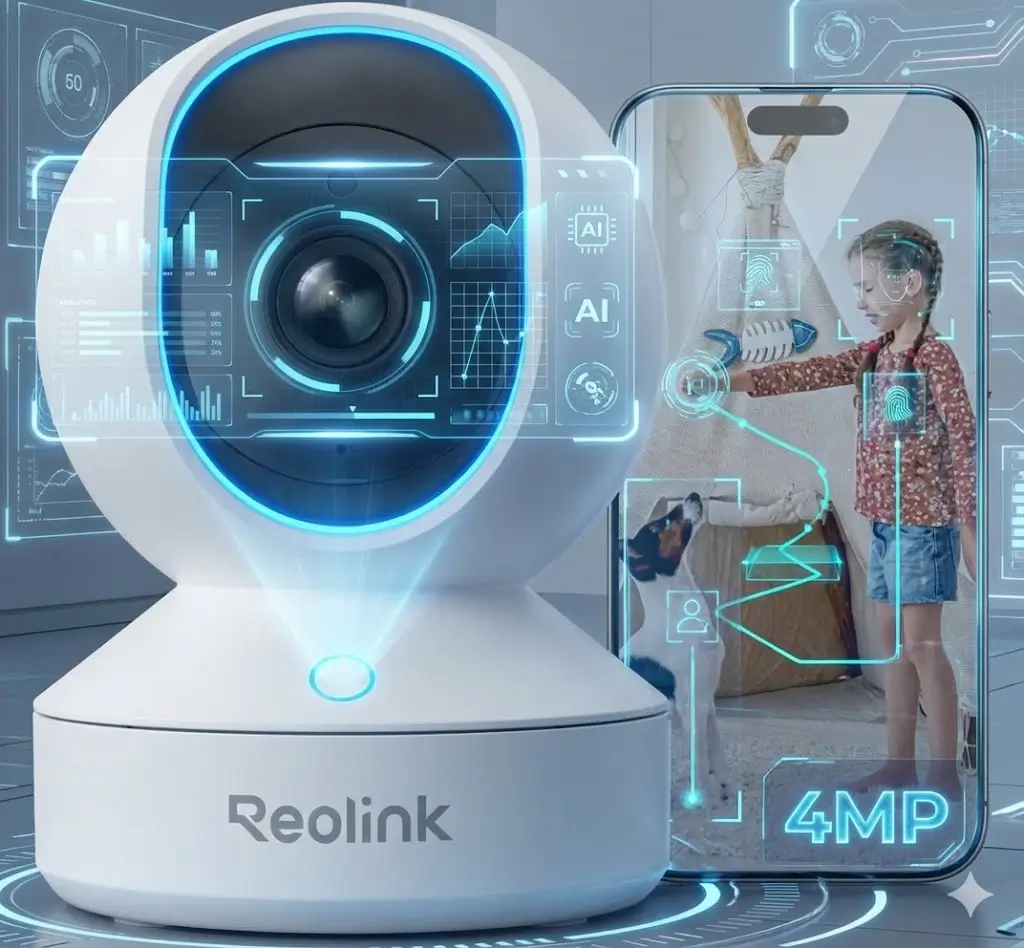
We’ve all been there—stuck at work wondering if the dog is chewing the sofa, or lying in bed listening intently for the baby’s cry, unsure if it’s real or phantom noise. The market is flooded with expensive security cameras, but sometimes you just need a reliable, sharp eye inside your home without paying a monthly subscription fee.
Enter the Reolink E1 4MP Indoor Camera. On paper, it promises high-end features like 2K resolution, WiFi 6 support, and smart AI detection for a fraction of the price of big-name competitors. But does it actually hold up in a real home environment? I spent the last few weeks testing the Reolink E1 to see if this budget-friendly “eye in the sky” is the smart home upgrade you actually need.
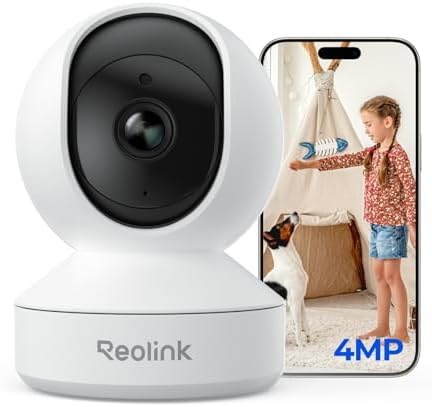
- 4MP HD & Night Vision: Upgrade to 4MP clarity with enhanced infrared night vision for a 30% sharper image. Capture even …
- Instant Cry Alerts & Two-Way Talk: Get instant cry detection alerts and communicate with your baby remotely through the …
- 360° Coverage & Auto Tracking: With 355° Pan and Motion Tracking, this camera provides full 360° coverage, following mov…

Quick Specs & Verdict
| Resolution | 4MP Super HD (2560 x 1440) |
| Field of View | 355° Pan / 50° Tilt |
| Smart Detection | Person, Pet, Baby Crying |
| Connectivity | 2.4GHz WiFi 6 (802.11ax) |
| Storage | Micro SD Card (up to 256GB), NVR, Cloud |
| My Rating | ⭐⭐⭐⭐½ (4.5/5) |
Verdict: The Reolink E1 is arguably the best value-for-money indoor camera right now. It punches way above its weight class with crisp 2K video and reliable smart alerts, making it a perfect no-subscription baby or pet monitor.
1. Unboxing & First Impressions
The Reolink E1 arrives in a compact, no-nonsense package. Inside, you’ll find the camera unit—a cute, spherical robot-like device—along with a power adapter, a mounting plate (with screws), and the setup guide.
Initial Setup:
The “plug-in” nature means you don’t have to worry about charging batteries, but you do need to find an outlet near your desired spot. The setup process via the Reolink App is incredibly smooth. I simply scanned the QR code on the bottom of the camera, entered my WiFi details, and it connected within seconds.
Note: This specific model supports WiFi 6, which is a huge plus for connection stability in crowded smart homes.
2. Key Features & Performance Deep Dive
4MP Super HD Video Quality
Most cameras in this price range are stuck at 1080p. The upgrade to 4MP (2560 x 1440) is noticeable immediately.
- Daytime: The video is sharp and vibrant. You can clearly distinguish faces or read text on a box across the room.
- Night Vision: The infrared LEDs provide clear black-and-white footage in total darkness. I tested this in a pitch-black nursery, and I could easily see if the baby’s eyes were open or closed.
360° Pan & Tilt Coverage
- 4MP HD & Night Vision: Upgrade to 4MP clarity with enhanced infrared night vision for a 30% sharper image. Capture even …
- Instant Cry Alerts & Two-Way Talk: Get instant cry detection alerts and communicate with your baby remotely through the …
- 360° Coverage & Auto Tracking: With 355° Pan and Motion Tracking, this camera provides full 360° coverage, following mov…
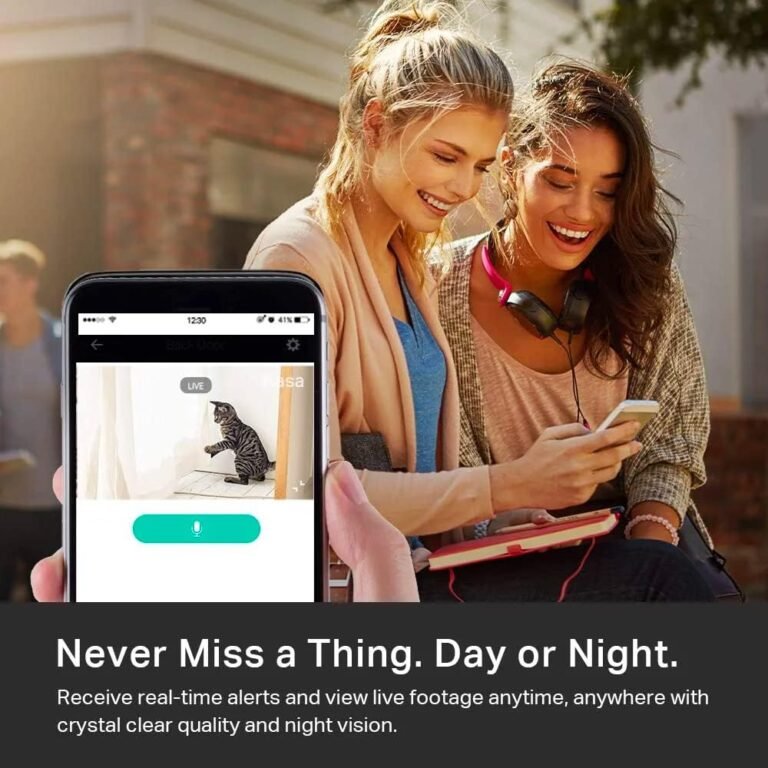
The “PT” (Pan/Tilt) feature allows the lens to rotate 355° horizontally and 50° vertically. Through the app, you can swipe to look around the entire room. This is a game-changer for pet owners; if your cat jumps off the frame, you can manually rotate the camera to follow them. It practically eliminates blind spots.
Smart AI Detection (The “Killer” Feature)
This is where the E1 shines. It doesn’t just use “motion detection” (which triggers when a curtain blows). It has specific on-device AI for:
- Person Detection: Accurate alerts when a human walks in.
- Pet Detection: Great for catching your dog on the couch.
- Baby Crying Detection: This was surprisingly responsive. It alerts you specifically to the sound of crying, effectively turning this security camera into a high-end baby monitor.
3. Pros & Cons
Here is my honest take after hands-on testing:
Pros:
- No Monthly Fees: Local storage to a Micro SD card means you own your footage.
- Excellent Resolution: 2K (4MP) is significantly sharper than standard 1080p.
- Reliable App: The Reolink app is fast, loads streams quickly, and isn’t buggy.
- WiFi 6 Support: Offers a more stable connection on modern routers compared to older WiFi standards.
- 2-Way Audio: Clear enough to say “Get down!” to a dog or soothe a baby.
Cons:
- Wired Only: It must be plugged into a power outlet; it is not battery-operated.
- Indoor Only: It is not weatherproof. Do not try to use this on your porch.
- 2.4GHz WiFi Only: While it uses the newer WiFi 6 standard, it operates on the 2.4GHz band (unlike the ‘Pro’ version which is dual-band). This is usually fine for range, but worth noting.
4. Who Is This For? (Best For)
- New Parents: The “Crying Detection” and sharp Night Vision make this a fantastic, budget-friendly alternative to expensive dedicated baby monitors.
- Pet Owners: The ability to pan around the room and the specific “Pet Detection” filter helps you keep tabs on furry friends while you’re at work.
- Renters: It’s small, non-intrusive, and can sit on a shelf without drilling holes (though a wall mount is included if you want it).
5. Who Should Avoid It?
- Outdoor Users: If you need to monitor a driveway or garden, this camera will not survive the rain. Look at the Reolink Lumus or Argus series instead.
- Wire-Free Enthusiasts: If you don’t have a power outlet near where you want the camera (e.g., high up on a shelf in a hallway), you might prefer a battery-powered option.
6. Long-Term Testing Notes: After 30 Days
After running the Reolink E1 for a full month, the reliability has been rock solid. I haven’t experienced any “camera offline” issues, likely thanks to the WiFi 6 integration handling my congested home network well. The motor for the pan/tilt is still quiet—it doesn’t make a loud whirring noise that would wake a sleeping baby.
I also appreciate the Loop Recording feature on the SD card. I threw in a cheap 64GB card, and it records motion events for weeks before overwriting the oldest footage.
7. Final Verdict & Recommendation
If you are looking for an indoor camera that balances price, performance, and privacy, the Reolink E1 4MP is a winner. It strips away the annoyance of monthly subscriptions while giving you premium features like AI detection and 2K video.
It is rare to find a camera under this price point that offers reliable Baby Crying detection and Pan/Tilt capabilities. Whether you are watching a crib, a puppy crate, or just your front door, the E1 delivers.
My Advice: Buy it, grab a Micro SD card, and enjoy peace of mind without the monthly bill.
- 4MP HD & Night Vision: Upgrade to 4MP clarity with enhanced infrared night vision for a 30% sharper image. Capture even …
- Instant Cry Alerts & Two-Way Talk: Get instant cry detection alerts and communicate with your baby remotely through the …
- 360° Coverage & Auto Tracking: With 355° Pan and Motion Tracking, this camera provides full 360° coverage, following mov…
FAQ
1. Does this camera require a monthly subscription?
No! The Reolink E1 works perfectly without a subscription. You can save video clips locally to a microSD card (sold separately) or to a Reolink NVR.
2. Can I view the camera when I am away from home?
Yes, as long as your home WiFi is on and your phone has data/internet, you can view the live feed and recorded clips from anywhere in the world using the free Reolink App.
3. Does it work with Alexa or Google Assistant?
Yes, it works with Google Assistant and Alexa. You can say things like “Hey Google, show me the Living Room” and view the feed on a Nest Hub or Echo Show.
4. How does the privacy mode work?
You can enable “Privacy Mode” in the app, which physically rotates the camera lens into the helmet casing and turns off the feed, ensuring 100% privacy when you are home.