Whether it’s keeping an eye on a package delivery, checking in on a sleeping baby, or deterring unwanted visitors, a good security camera can bring real peace of mind. But with endless options on Amazon, how do you choose? Do you need a simple indoor pet cam, a powerful outdoor floodlight, or a budget-friendly all-rounder?
To cut through the noise, I compared three highly-rated cameras that represent the best in their class: a versatile indoor pan/tilt camera, a premium outdoor security floodlight, and a no-frills budget indoor camera. Here’s my detailed breakdown of the Kasa Smart Pan/Tilt Camera, the Google Nest Cam with Floodlight, and the Wansview Wireless Security Camera.
At-a-Glance: Smart Security Camera Comparison
| Feature | Kasa Indoor Pan/Tilt Smart Camera (EC70) | Google Nest Cam with Floodlight | Wansview Wireless Security Camera |
|---|---|---|---|
| Best For | Versatile Indoor Monitoring | Premium Outdoor Security | Budget-Conscious Beginners |
| Placement | Indoor | Outdoor (Hardwired) | Indoor |
| Video Quality | 1080p HD | 1080p HDR with Floodlights | 1080p HD |
| Key Feature | 360° Pan & Tilt | Integrated 2400-Lumen Floodlights | Extremely Low Cost |
| Smart Features | Motion Tracking, Works w/ Alexa/Google | 24/7 Recording with Subscription, AI Recognition | Motion Detection, 2-Way Audio, Works w/ Alexa |
| Storage | SD Card (up to 128GB) & Cloud | Nest Aware Subscription Required | SD Card & Cloud (Optional) |
| Our Rating | 4.5 / 5 | 4.6 / 5 | 4.0 / 5 |
In-Depth Reviews: Breaking Down Each Camera
1. Kasa Indoor Pan/Tilt Smart Security Camera (EC70)

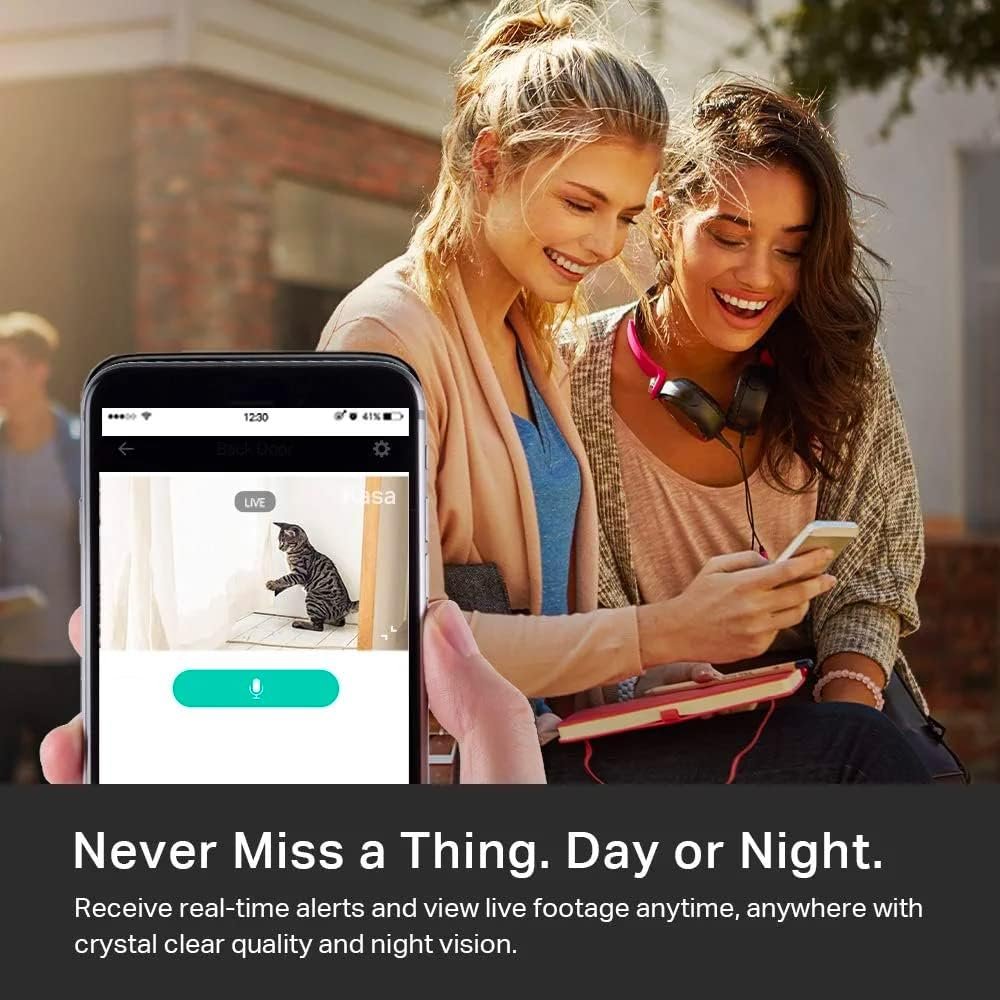
- Live Stream from Anywhere with Pan/Tilt: Sharp and clear 1080p Full HD provides high quality video right in the palm of …
- Real-Time Motion/Sound Detection: Get alerts on your smart phone whenever motion or sound is detected even at night (30f…
Overview: The Kasa EC70 is my top pick for the best all-around indoor smart camera. It combines a stellar feature set—like full 360° coverage—with reliable performance and no mandatory monthly fees, making it perfect for monitoring pets, kids, or your main living area.
Key Features & Benefits:
- Full 360° Pan & Tilt: The camera rotates horizontally and vertically, giving you complete control of the viewing angle via the app. This single feature eliminates blind spots better than any fixed camera.
- Smart Motion Tracking: When motion is detected, the camera can automatically pan and follow the subject (like a pet or person) across the room. It’s incredibly useful for seeing what your dog is getting into.
- Flexible Local & Cloud Storage: You can use a microSD card (up to 128GB) for continuous recording or event-based clips with no monthly fee. A cloud subscription is available but entirely optional.
- Crystal-Clear 2-Way Audio & Night Vision: The speaker and microphone are surprisingly clear for checking in or telling your cat to get off the counter. Night vision provides detailed black-and-white footage up to 30 feet.
Pros:
- Exceptional coverage due to pan/tilt and tracking.
- No mandatory fees; SD card storage works great.
- Easy setup and reliable connection on 2.4GHz Wi-Fi.
- Works seamlessly with Alexa and Google Home for voice control.
Cons:
- Requires a power outlet (not battery-operated).
- The motion tracking, while good, can sometimes be a little slow to react to very fast movement.
Best For: Pet owners, parents wanting a versatile baby/nanny cam, and anyone needing comprehensive indoor coverage of a room like a living room, kitchen, or garage without paying a monthly subscription.
2. Google Nest Cam with Floodlight
Overview: The Google Nest Cam with Floodlight is the ultimate premium outdoor security solution. It replaces an existing outdoor light fixture and combines a high-quality camera with powerful, intelligent lighting to actively deter crime and illuminate your property.
Key Features & Benefits:
- Integrated 2400-Lumen Floodlights: The lights are blindingly bright. They can be set to turn on with motion, providing both visibility and a strong deterrent. You can also manually control them from the app.
- Intelligent Alerts & AI Recognition: With a Nest Aware subscription, it can distinguish between a person, vehicle, and animal, sending you only the alerts that matter (e.g., “Person in driveway” instead of just “Motion detected”).
- 24/7 Continuous Video History: With a subscription, your footage is continuously recorded and saved for up to 60 days. You can scroll back through a timeline to see everything that happened, not just motion events.
- HDR Video & Weather-Resistant Design: Video quality is excellent, even in challenging lighting (like when the floodlights kick on). Its robust build is rated for outdoor use in any weather.
Pros:
- Powerful, all-in-one security and lighting solution.
- Best-in-class intelligent alerts and 24/7 history (with subscription).
- Excellent video quality and built-in siren for emergencies.
- Seamless integration with the Google Home ecosystem.
Cons:
- High upfront cost and requires a wired electrical installation.
- A Nest Aware subscription ($8-$15/month) is essential to unlock its full potential. Without it, you only get live view and 3 hours of event history.
- Installation is more complex than a plug-in camera.
Best For: Homeowners seeking a top-tier, permanent outdoor security solution for a driveway, backyard, or porch, who are willing to invest in both the hardware and a subscription service for maximum protection.
3. Wansview Wireless Security Camera

- High 2K WiFi IP Camera: With 2K resolution, wansview home camera displays a crystal clear smooth live video, you can kee…
- Two-way Audio & Works with Alexa: Built-in microphone & speaker offer to communicate with your loved ones when you are o…
Overview: The Wansview is the champion of budget-friendly indoor monitoring. It proves that you don’t need to spend a fortune to get core security features like HD video, two-way talk, and night vision. It’s a fantastic “my first camera” option.
Key Features & Benefits:
- Incredible Value: For a fraction of the cost of many competitors, you get 1080p HD video, night vision, motion detection, and two-way audio.
- Flexible Storage Options: Supports local recording via microSD card (not included) and offers optional cloud storage plans, though the free tier includes basic event recording.
- Easy WiFi Setup: The setup process in the Wansview app is straightforward, getting you up and running in minutes on your 2.4GHz network.
- Alexa Compatibility: You can use voice commands with an Alexa device to view the camera feed on an Echo Show or Fire TV.
Pros:
- Unbeatable price for the feature set.
- Simple, no-fuss setup and operation.
- Reliable basic performance for checking in.
- No mandatory fees to use core features.
Cons:
- Video quality and app polish are not as refined as the Kasa or Google models.
- The field of view is fixed and relatively narrow (approx. 110°).
- Motion alerts can be less precise and slower to arrive.
- Build quality feels lightweight and less premium.
Best For: Students, renters, or anyone on a tight budget who needs a simple, effective camera to watch a room, a pet, or an apartment door without any complexity or financial commitment.
Head-to-Head Comparison: Key Decision Factors
- Indoor vs. Outdoor: This is the first decision. The Google Nest Cam is your only true outdoor, hardwired option here. The Kasa and Wansview are strictly for indoor use.
- Coverage & Tracking: For covering a wide area indoors, the Kasa’s pan/tilt and tracking is in a league of its own. The fixed views of the Wansview and Google Nest Cam mean you must position them carefully.
- Cost of Ownership: The Wansview wins on upfront cost. The Kasa offers great features with no ongoing fees if you use an SD card. The Google Nest Cam has the highest total cost (hardware + subscription for full utility).
- Smart Features & Ecosystem: The Google Nest Cam offers the most advanced AI and ecosystem integration (Google Home). The Kasa provides excellent smart features (tracking, routines) within a more open ecosystem (Alexa/Google). The Wansview covers the basics.
Final Verdict & Recommendation
Your perfect camera depends entirely on your need and budget:
- Choose the Kasa Indoor Pan/Tilt Camera (EC70) if you need the most versatile, feature-rich indoor camera and want to avoid monthly fees. It’s the intelligent, reliable choice for pet and home monitoring.
- Choose the Google Nest Cam with Floodlight if you want the best-in-class, proactive outdoor security and are willing to invest in a premium, subscription-based ecosystem. It’s a powerful deterrent and surveillance tool.
- Choose the Wansview Wireless Security Camera if you are on a very tight budget and just need a simple, effective way to check in on a room or pet indoors. It delivers remarkable core functionality for its price.
For most people looking for an indoor camera, the Kasa EC70 is the standout winner, offering the best balance of advanced features, flexibility, and value. For serious outdoor security, the Google Nest Cam with Floodlight is worth the investment.
Remember: Security camera technology and Amazon prices change often. Use the links above to check the latest prices, read recent user reviews, and see current deals before making your final decision.
FAQ Section
Q: What’s more important: video resolution or field of view?
A: Both matter, but for indoor spaces, a wider field of view (or a pan/tilt camera) is often more practical than ultra-high resolution. A 1080p camera with a 130°+ view will show you more of the room than a 4K camera with a narrow 90° view. For identifying details at a distance (like a license plate), higher resolution becomes critical.
Q: Is a cloud subscription necessary?
A: Not always, but it depends on your needs. Subscriptions (like Nest Aware) enable advanced features like AI recognition, continuous recording, and longer video history. If you just want to check a live feed and get basic motion alerts, cameras with local SD card storage (like the Kasa or Wansview) are a great no-monthly-fee option.
Q: What should I know about privacy with indoor cameras?
A: Always buy from reputable brands, use strong/unique passwords, enable two-factor authentication if available, and keep the camera’s firmware updated. It’s good practice to place cameras only in common areas (not bedrooms or bathrooms) and to use physical lens covers or turn off cameras when you’re home and privacy is desired.